
Telehealth has transformed from pandemic necessity to permanent fixture in healthcare delivery. While the technology has matured, many providers still struggle with the nuances of virtual care. These best practices will help you deliver excellent telehealth experiences.
Setting Up for Success
Your environment matters more on video than in person. Ensure good lighting (natural light facing you is ideal), a clean professional background, camera at eye level (not looking up your nose), high-quality audio (consider a headset), and stable internet connection.
Test your setup before important visits. Technical difficulties undermine patient confidence.
Starting the Visit Right
Begin with a warm greeting and verify the patient's identity and location. Confirm they can see and hear you clearly. Take a moment for small talk—it's even more important virtually to establish connection before diving into clinical content.
Explain what to expect: 'I'm going to ask you some questions, then we'll discuss your medications, and I'll share my recommendations.'
Conducting the Assessment
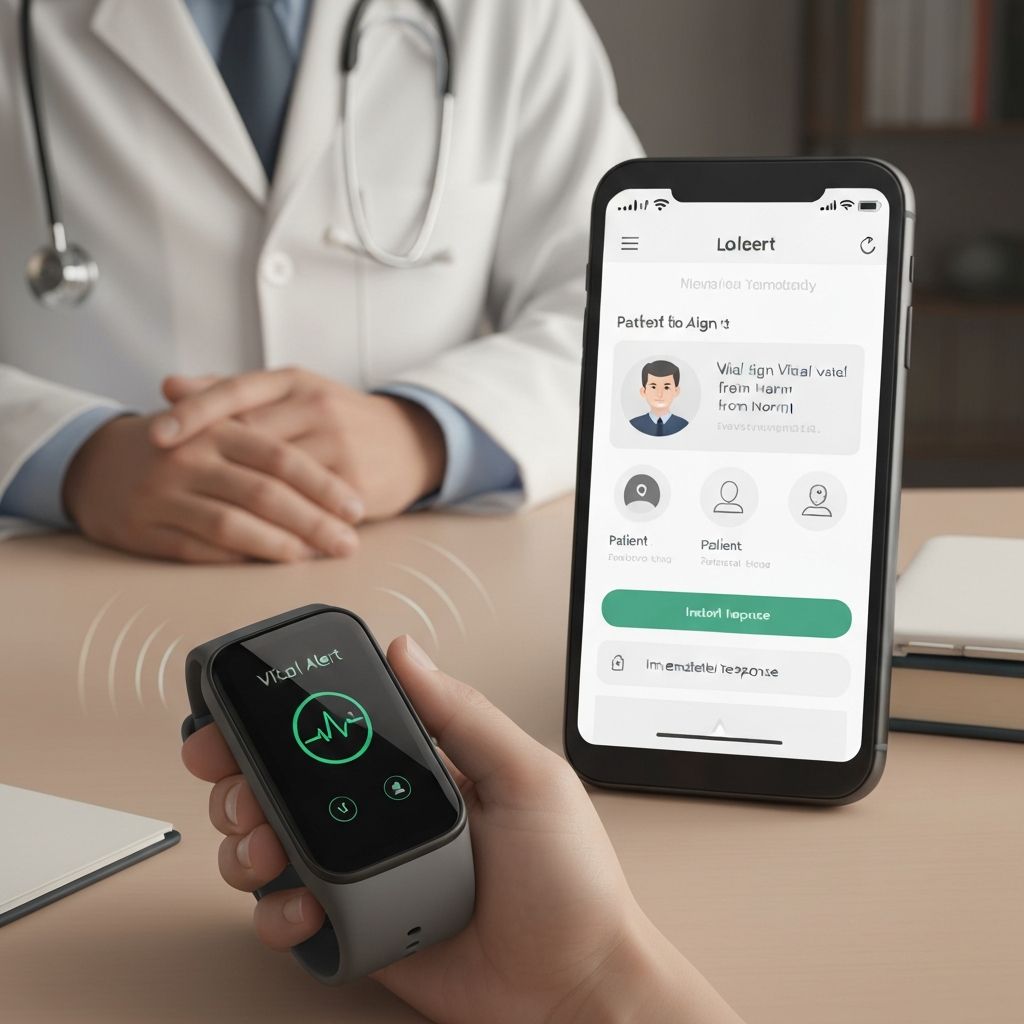
Virtual assessments require adaptation. You can't listen to heart sounds or palpate an abdomen. But you can still gather valuable information through observation (appearance, breathing, mobility), patient self-examination guidance, symptom review and history, and vital signs from connected devices.
Be explicit about what you're looking for: 'I'm looking at your skin color and checking if you seem short of breath.'
Maintaining Engagement
Video fatigue is real. Keep patients engaged by making eye contact (look at the camera, not the screen), using their name, asking open-ended questions, pausing to allow them to speak, and summarizing what you've heard.
Avoid multitasking—patients can tell when you're distracted.
Documentation and Follow-Up
Document the telehealth visit just as you would an in-person encounter. Note that the visit was conducted via video, any limitations in your assessment, the patient's technology proficiency, and follow-up plans.
After the visit, send a summary through the patient portal reinforcing key points and next steps.
Knowing When to Escalate
Not everything can be handled virtually. Have clear criteria for when patients need in-person evaluation. If something doesn't feel right during the video visit, trust your instincts and arrange an office visit or emergency care.